
October 20, 2026
HVAC Web Design Guide: Complete 2026 Strategy for Contractors
HVAC website design guide for contractors: essential pages, platform comparison, Core Web Vitals, and conversion tactics to turn visitors
Published On: July 22, 2026
Published By: Designocracy
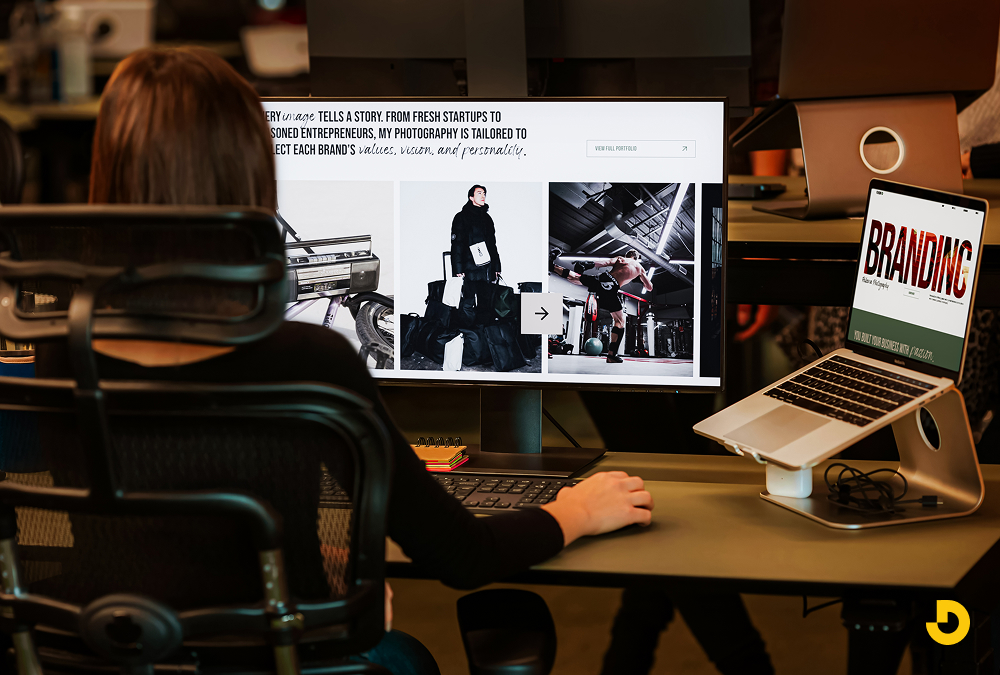
A great photography portfolio website leads with your images through a clean, minimal design, fast-loading optimized photos, and a mobile-friendly layout. The best portfolios curate only your strongest work, load in under three seconds, use simple navigation, include a clear contact or booking page, and apply SEO so the right clients can find you.
For a photographer, your website is your gallery, your business card, and your first client meeting all at once. Before anyone hires you, they judge your work through a screen. If your images look stunning but your site is slow, cluttered, or hard to use on a phone, you lose the booking anyway. Great photography website design gets out of the way and lets the work speak.
This guide walks through the portfolio best practices that turn a beautiful gallery into a booking machine, from image optimization to SEO, plus a simple test you can run on your own site in seconds.
Clients rarely hire a photographer on price alone. They hire based on feeling: do the images move them, and does the whole experience feel professional? Your portfolio website is where that feeling forms. A polished, fast, easy-to-browse site signals that you are serious, reliable, and worth the investment.
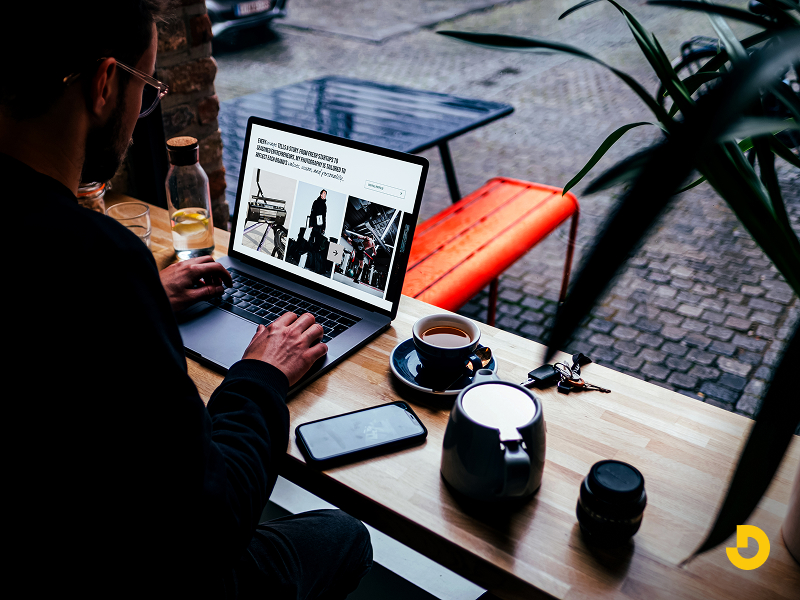
A strong portfolio also does quiet business work in the background. It builds trust with clean design, guides visitors toward contacting you, and helps you appear on Google when someone searches for a photographer in your city or niche. When those pieces work together, your site brings in leads while you are behind the camera. If you want the full picture on how design and rankings connect, our guide on SEO and web design breaks it down.
These are the practices that separate a forgettable gallery from a portfolio that books clients.
Your photos are the star, so everything else should step back. Use a clean, minimal layout with plenty of white (or dark) space, restrained typography, and a simple color palette that never competes with your work. Full-width galleries and generous spacing let each image breathe. When in doubt, remove something.
The fastest way to weaken a portfolio is to show too much. A visitor judges you by your weakest image, not your best. Show only your strongest 15 to 40 photos, grouped into a few focused galleries such as weddings, portraits, or commercial work. Tight curation makes your style look consistent and intentional.
High-resolution photos are heavy, and heavy pages are slow. Slow galleries lose visitors before the first image even appears. Compress and resize each photo, serve modern formats like WebP, and enable lazy loading so images load as people scroll. Aim for a load time under three seconds without sacrificing visible quality.
A large share of clients will discover your work on a phone. If your galleries are hard to swipe, your text is tiny, or your images crop awkwardly on mobile, you lose them. Build for the small screen first, then scale up, so your portfolio looks flawless everywhere.

Visitors should reach your galleries, about page, and contact form in one tap. A clear, minimal menu, an obvious way to view your work, and a persistent "Contact" or "Book" link keep people moving toward a booking instead of getting lost.
People hire photographers they connect with. A genuine about page, with a real photo of you, your story, and your approach, turns admirers into clients. This is also where testimonials and press mentions belong, because social proof reassures nervous first-time bookers.
Every gallery should lead somewhere. A simple contact form, clear pricing or packages, and an easy inquiry or booking flow remove friction at the exact moment a visitor decides they want you. For studios that want online scheduling or custom client galleries, our web app development team can build those features in.
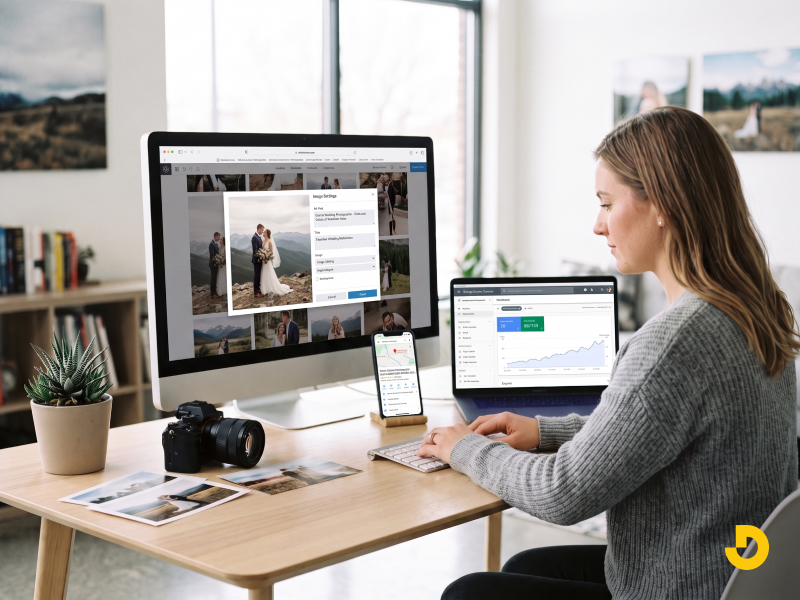
The most beautiful portfolio earns nothing if no one finds it. Use descriptive, keyworded image alt text, target your city and specialty (for example, "Denver wedding photographer"), keep pages fast, and set up a Google Business Profile. If you would rather hand this off, see our roundup of the best SEO companies for small business.
If print sales or digital downloads are part of your income, add a simple, secure store, but keep it separate from your main galleries so it never distracts from your work. The same principles that make product pages convert apply here; our ecommerce website design tips are a useful starting point.
Your logo, colors, fonts, and voice should feel like one cohesive identity across your site, invoices, and social channels. Consistent branding makes a solo photographer look established and memorable. If your identity needs work, compare options in our guide to small business branding services.
| Element | Why It Matters | Best Practice |
|---|---|---|
| Minimal design | Keeps focus on your images. | Restrained type, generous spacing, no clutter. |
| Curation | Visitors judge you by your weakest photo. | Show only your best 15–40 images in a few galleries. |
| Image optimization | Heavy photos slow the site and lose visitors. | Compress, use WebP, lazy-load, target under 3 seconds. |
| Mobile-first | Most clients browse on a phone. | Design for small screens first, then scale up. |
| Simple navigation | Lost visitors do not become clients. | Galleries, about, and contact within one tap. |
| About page | People hire photographers they trust. | Real photo, story, testimonials, and press. |
| Contact / booking | Friction at decision time kills bookings. | Clear form, pricing, and an easy inquiry flow. |
| SEO | A hidden portfolio earns nothing. | Alt text, local keywords, speed, Google profile. |
Open your website on your phone and count to three. In that time, a first-time visitor should be able to answer all three questions below. If any answer is "no," that is exactly where your portfolio is losing bookings.
1. What do you shoot? Your specialty should be obvious from the first image, not buried in a menu.
2. Is this any good? Your strongest photo should be the first thing they see, loading instantly.
3. How do I hire you? A clear "Contact" or "Book" option should be visible without scrolling.
Pass all three in three seconds and your portfolio is working. Fail one, and you have your next fix.
Common Photography Website Mistakes to Avoid
Your photography portfolio should do more than look beautiful. It should load fast, feel effortless on any device, and guide the right clients straight to your inbox. When your design gets out of the way, your images do the selling.

At Designocracy, we design and build fast, image-forward portfolio websites that help photographers get discovered and get booked, whether you work in Bozeman, Oakville, or anywhere in between. Our web design company team pairs gallery-grade design with the speed and SEO your work deserves, and you can explore what we build on our custom web design services page. Serving a nearby market? See our Oakville web design team too.